

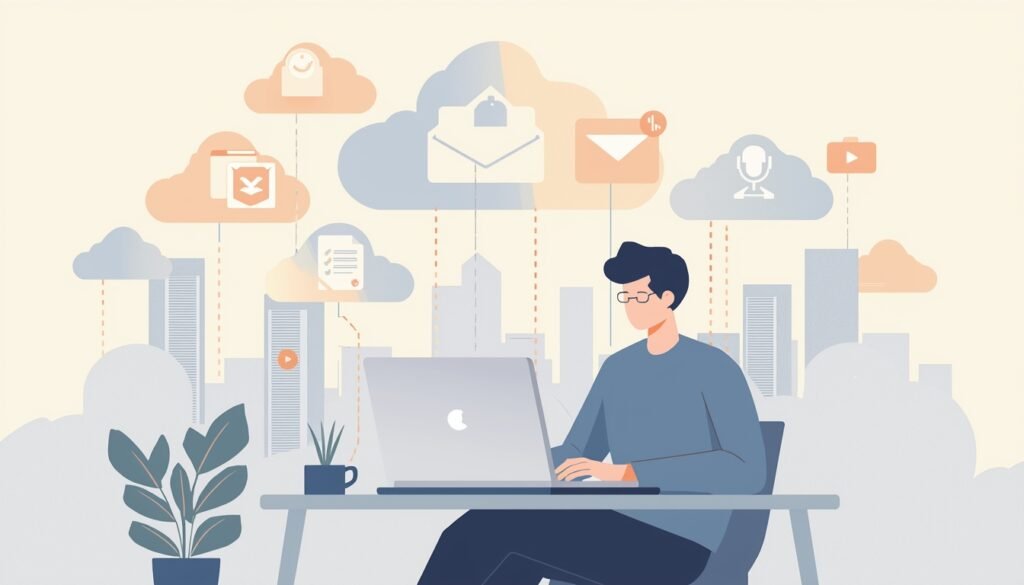
I didn’t learn cloud computing from a course. I learned it accidentally.
One day my laptop stopped working, and I realized most of my important files were not actually on my laptop anymore. They were still there. Online. Safe. Waiting.
That was my real introduction to cloud computing.
For beginners, cloud computing often feels like a technical topic meant for developers or IT teams. But the truth is simpler. Cloud computing is already part of daily life. Emails, photo backups, online documents, streaming videos — all of this depends on the cloud.
This guide is written slowly, on purpose. No pressure to “understand everything.” We’ll talk about what cloud computing really is, how it works in normal situations, where it helps, and where it can feel uncomfortable. If you’ve ever wondered why everything is moving online, this is a good place to start.
What is cloud computing?
Let’s imagine something simple.
You open an online document and start typing. You close the browser. Later, you open the same document on your phone. Nothing was transferred manually. Nothing was copied.
What happened?
Your work was saved on a remote server. That server processed your request and stored the data. Every time you open the file, you’re simply asking the server to show it again.
You are not sending files back and forth.
You are visiting them.
That’s the quiet power of cloud computing. It removes the need to manage where things live.
Where These “Cloud” Computers Actually Are
Once you understand that cloud computers are real machines sitting in large buildings, something clicks. The cloud stops feeling imaginary. It’s not floating anywhere. It’s grounded. Physical. Just very far away from you.
And that distance is intentional.
The whole idea is to move responsibility away from your desk. You don’t need to worry about heat, storage limits, or machines failing. Someone else handles that part while you focus on the actual work. That separation is what makes cloud computing feel lighter over time.
At first, I didn’t think much about this shift. But slowly, I noticed how little I cared about my device anymore. As long as it could connect to the internet, it was enough. The heavy lifting was happening elsewhere.
How People End Up Using the Cloud Without Planning To
Most people don’t choose cloud computing on purpose. It sneaks in.
You want to send a file quickly, so you upload it instead of attaching it.
You want your photos safe, so you turn on automatic backup.
You want to work from another device, and suddenly everything is already there.
That’s usually how it starts.
There’s no big decision. No announcement. Just small conveniences stacking up until the cloud becomes normal.
And once that happens, going back feels uncomfortable. You start expecting access everywhere. You expect your data to be waiting for you, not tied to one machine.
The Quiet Trade-Off You Make
Cloud computing gives comfort, but it also asks for trust.
Your data is no longer something you physically control. You can’t point to a hard drive and say, “It’s right here.” That can feel uneasy, especially at the beginning. I remember thinking, What if something goes wrong?
That doubt never fully disappears. And maybe it shouldn’t.
The cloud works best when you stay aware. Strong passwords. Careful sharing. A bit of common sense. It’s not about fear. It’s about responsibility moving from hardware to habits.
Why Businesses Leaned Into Cloud Computing First
Businesses felt the pain before individuals did.
Servers broke. Systems needed upgrades. Data kept growing. Managing everything internally became exhausting and expensive.
Cloud computing offered relief. Not perfection, just relief.
Instead of buying machines, companies could rent space. Instead of maintaining systems, they could focus on work. That shift changed how software was built and delivered. Many tools we use today exist because cloud systems made them easier to run.
Even small teams suddenly had access to tools that once required huge budgets.
What This Means for Everyday Users
For everyday users, cloud computing doesn’t feel technical. It feels practical.
Your emails load fast.
Your files don’t disappear.
Your apps work on different devices.
You don’t think about servers. You think about results.
That’s why cloud computing rarely feels impressive. When something works quietly, we stop noticing it.
When Cloud Computing Feels Annoying
It’s not always smooth.
A slow connection can ruin everything.
A service outage can block your work.
Account recovery can be frustrating.
These moments remind you that you’re dependent on something external. And yes, that dependence can be uncomfortable.
Still, most people accept it because the good days far outnumber the bad ones.
Learning Cloud Computing Without Studying It
Here’s the part beginners often overthink.
You don’t need to “learn cloud computing” as a subject.
You learn it by using it.
Uploading files. Sharing links. Working online. Seeing how data follows you instead of staying behind. That experience teaches more than definitions ever will.
If curiosity grows later, you can explore deeper. But it doesn’t need to start there.
Why Cloud Computing Stays Once It Arrives
Cloud computing sticks because it reduces friction.
Less setup.
Less maintenance.
Less worry.
Over time, that simplicity becomes the expectation. Tools that don’t offer cloud access start feeling outdated, even if they work fine.
That’s not marketing. That’s habit.
A Personal Thought Before Moving On
Cloud computing didn’t change how I work overnight.
It changed how much I worry.
And that’s a quiet improvement. The kind you only notice when it’s gone.
FAQ
What is cloud computing in simple words?
Using internet-based computers instead of relying only on your own device.
Do beginners need technical skills?
No. Most cloud tools are designed for everyday users.
Is cloud computing free?
Some services are free with limits. Paid plans offer more space or features.
Is cloud computing risky?
Like anything online, it depends on how carefully you use it.
If you enjoy learning tech topics this way — slow, simple, and honest — you’ll find more beginner-friendly guides like this on PickSorted, where everything is explained without unnecessary complexity.