

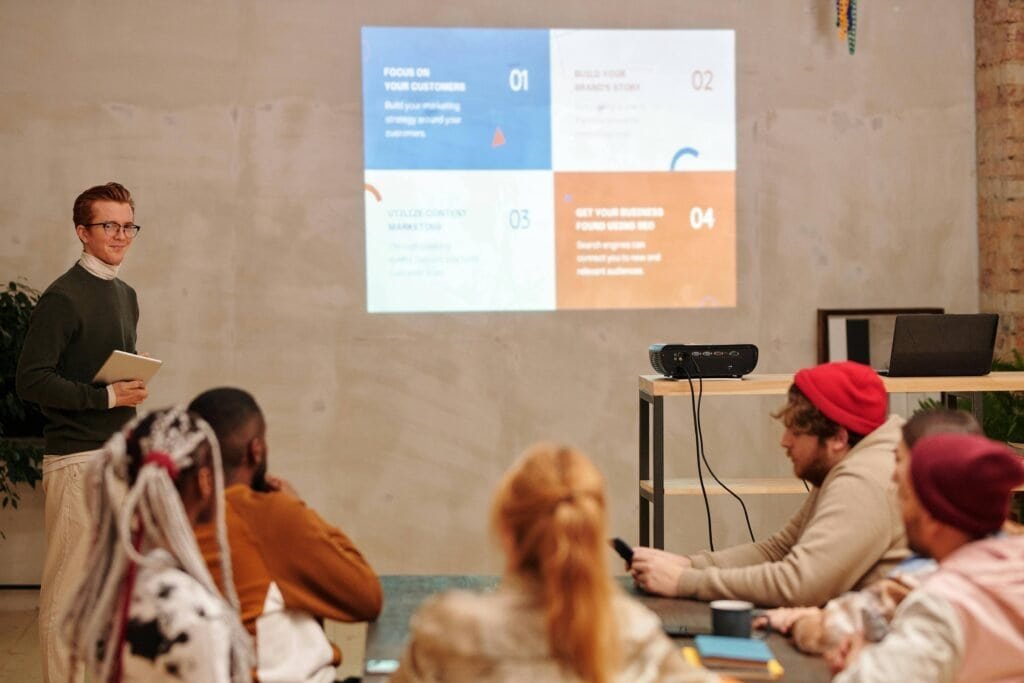
If you are searching for the best AI PPT maker in 2026, these tools can save hours of manual work. For most individuals, making PowerPoint presentations takes a long time. Especially if you don’t know much about design or how to build a slide. You open PowerPoint, look at a blank slide, choose a random template, and type too much text. And it doesn’t seem much better after an hour.
Now picture this: You write something like “Make a presentation for a technical project,” and all of a sudden, the slides, layout, photos, titles, and even colors are all set.
That’s what people who give AI presentations are doing in 2026.
“I’ve tried a lot of these myself when making presentations for schools, meetings, blogs, office work, and demonstrations. Some tools seem like they work like magic. I will make everything clear in this post so that you can choose the best solution without wasting time.
What are AI tools for making presentations?
AI presentation producers use AI to build slides for you. This will help you get things done quickly and easily. You may easily construct a question and explain your opinions in the PPT maker.
To put it simply:
You offer a subject or an overview
The AI makes the content for the slides
It makes layouts
Chooses colors, fonts, and pictures
You don’t start from scratch anymore.
This helps in real life:
Students are getting their assignments done promptly
People in the office making presentations at the last minute
Creators pitch their ideas
Founders talking about their products
Many people now use a best AI PPT maker instead of starting presentations from scratch.
Which AI tool for presentations is better? A Fast Comparison
Here is a brief comparison to make it easier for you to grasp each tool.
| Name of the Tool | Free Plan | Best For | Exports PPT | Simple to Use |
|---|---|---|---|---|
| Gamma | Yes (Limited) | Modern web-style slides | Yes | Very Easy |
| Canva | Yes | Design + presentations | Yes | Easy |
| GenPPT | Limited | Fast topic-based PPTs | Yes | Very Easy |
| Plus AI | No | Google Slides users | Yes | Medium |
| Beautiful.ai | Trial | Smart layouts | Yes | Easy |
| StoryD | Yes | Data-driven presentations | Yes | Very Easy |
| Pitch | Yes | Teams & startups | Yes | Medium |
No tool works perfectly for everyone. Keep reading to find out who should use what.
How We Picked the Best AI Tools for Presentations
You could wonder, “Why these tools?”
This is how I assessed them:
How quickly can it make slides?
Does the information make sense or seem robotic?
Is it easy for novices to use without help?
Can it send files to PowerPoint?
Does it work in real life, not only in demos?
I also tried them out for:
Presentations at school
Decks for offices
Pictures for blogs
Pitches for startups
Some tools appeared nice but didn’t operate well in real life. Some of them shocked me.
The 7 Best AI Presentation Makers of 2026:
Best For: those who desire presentations to look like contemporary, clear websites instead of dreary slides.
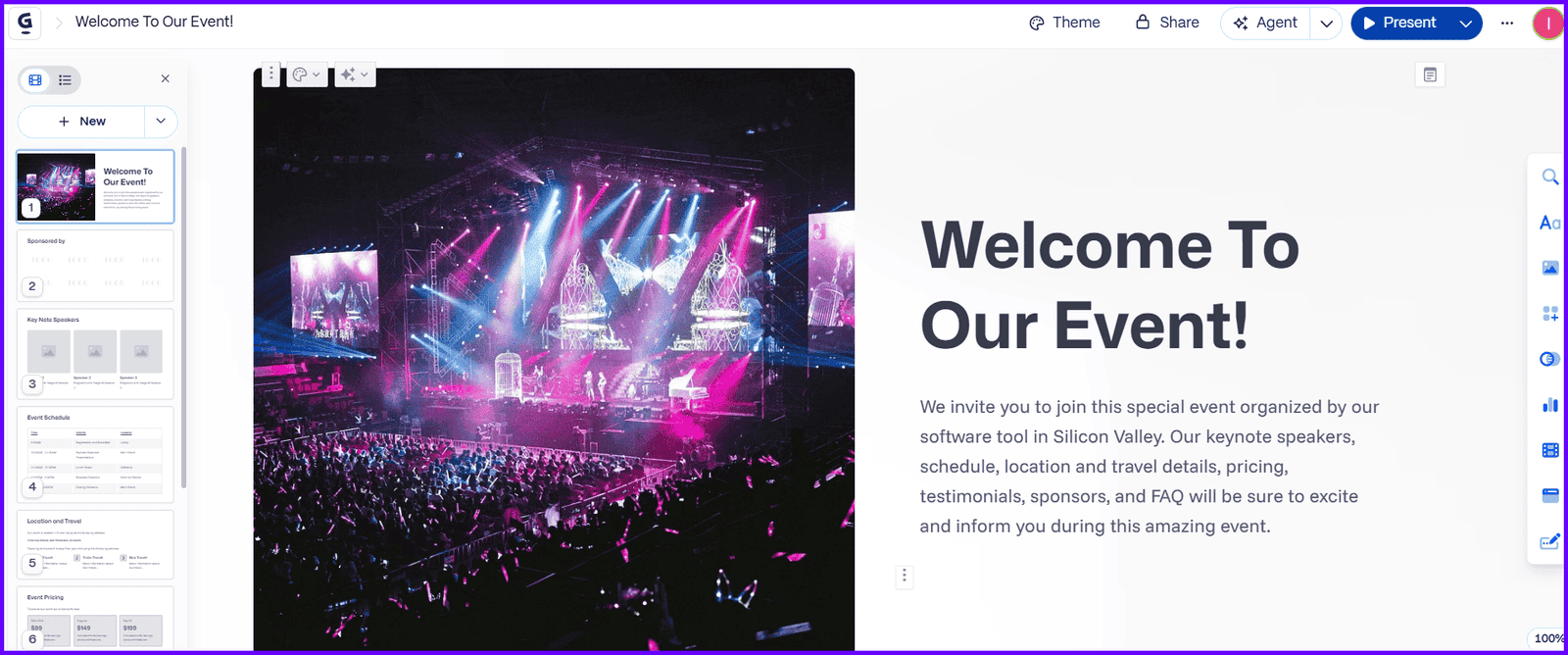
Gamma is distinct from other PowerPoint tools. At first appearance, it doesn’t seem to lock you into slides. It makes you think about the order of your material first. Instead, it looks at how your material moves.
You write in a subject, add a few points, or copy & paste rough notes, and Gamma makes an organized presentation out of them.
The simple layout is what makes Gamma stand out. The spacing is just perfect, the designs don’t appear too cluttered, and the graphics typically go with the text. I’ve used Gamma to describe ideas, product ideas, and even blog posts, and it really astonished me.
I also enjoy that Gamma is flexible. Gamma makes it easy to change text, move sections, and add pictures. In its free plan, Gamma gives you a modest number of clean, modern themes. Many people consider this one of the best AI PPT maker for creating rapid presentations.
Gamma may seem unusual at first if you’re accustomed to typical PowerPoint animations and complete slide control, but many users find it hard to go back after using it a few times.
Pros
A clean and contemporary look
Simple to use
The content seems real
Cons
People who are used to using PPT may require time
There aren’t many advanced export options
Prices
There is a free plan
Paid plans start every month
Best for: People who want to be in charge of design with the support of AI.
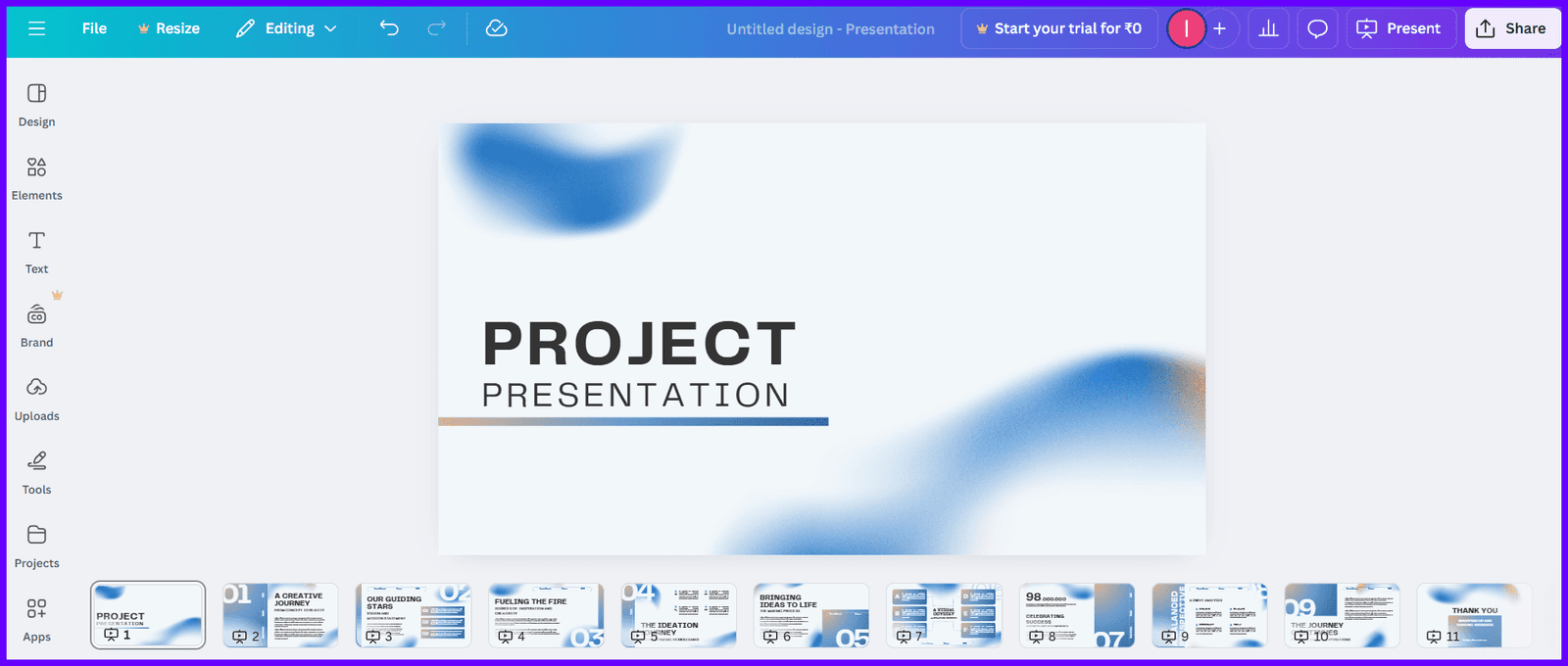
Canva is a well-known and trustworthy application, and its AI presentation function is growing stronger.
It doesn’t only employ AI; you can use AI to build slides rapidly, but you also have complete control over how they look. AI suggestions may help you make slides, but you can change them any way you choose.
Canva helped me make a short presentation for a customer, and it saved me a lot of time and work. What I enjoyed most was how simple it was to change things later.
In only a few minutes, I could modify the layout, typefaces, and add icons, animations, movies, colors, or charts.
Canva is an excellent solution for anybody who needs slides that appear professional but doesn’t want to start from scratch. One of the largest template collections is Canva’s.
The free plan comes with thousands of templates for presentations. It works effectively for kids, instructors, producers, and small enterprises.
The Canva AI offers you an excellent base to work from, and you can add your own style to make the slides stand out. This is why many users consider it best AI PPT maker.
There are a lot of features, so novices could be puzzled at first, but it becomes simpler with time.
Based on what I’ve seen, Canva works well for:
Students
People who make social media
Visual presentations
Pros
There is a free plan available
A huge collection of templates
Simple to drag and drop
Cons
The text from AI might occasionally seem generic
Beginners might become confused when there are too many choices
Cost
Plan that costs nothing
There is a pro plan available
Best for: People who wish to provide short presentations with little work.
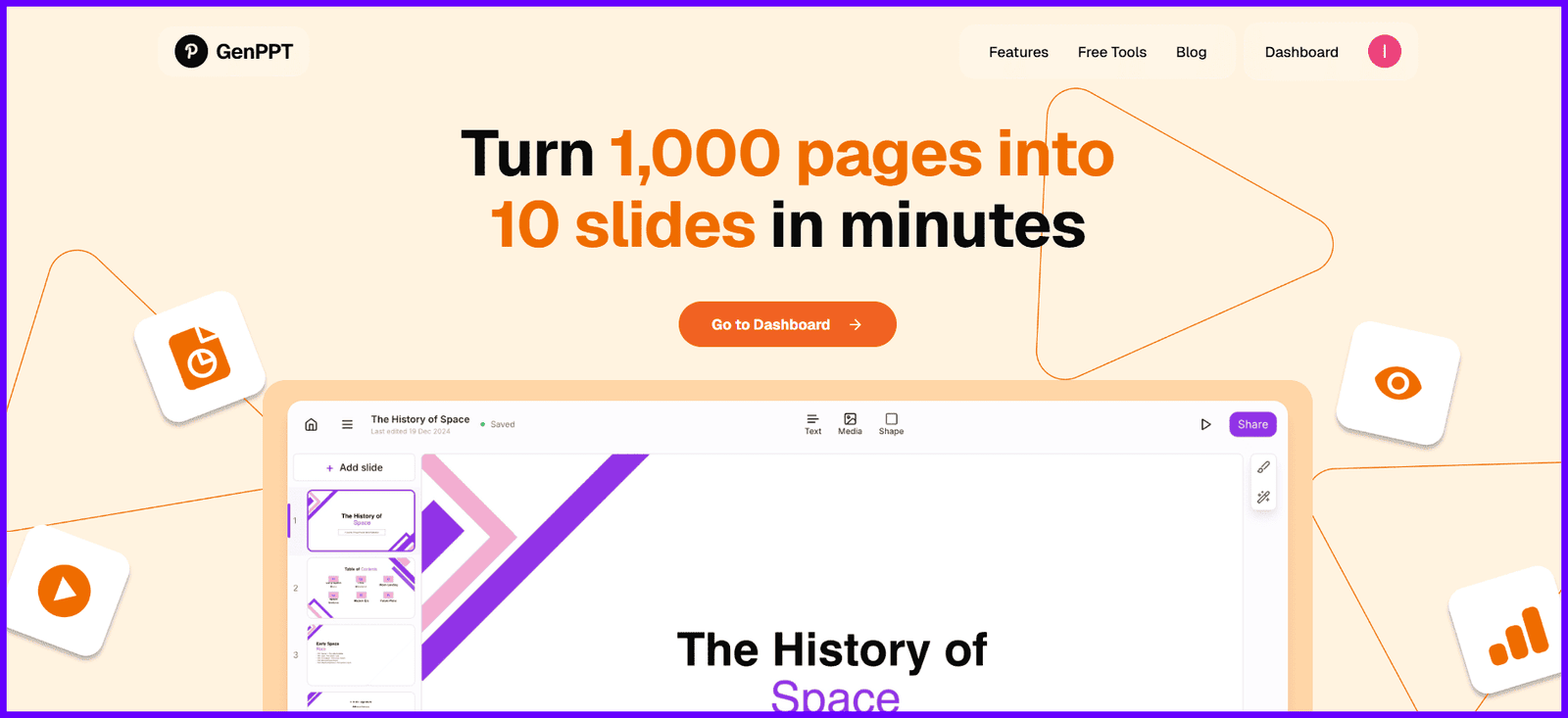
GenPPT is very easy and quick to use. There aren’t a lot of features or sophisticated dashboards.
You merely open it, enter in your subject, choose how many slides you want, and in a few minutes, you may download your PowerPoint.
When you don’t have much time, this gadget is great.
GenPPT is great if you don’t require elaborate designs. It’s a quick and easy method to make a tidy PowerPoint.
Pros
Very quick
Easy to use interface
Direct download of PPT
Cons
The designs are simple
Limited options for modification
Pricing
Free with some restrictions
Plans that cost money are available
Best for: People who want their layout and spacing to be exact.
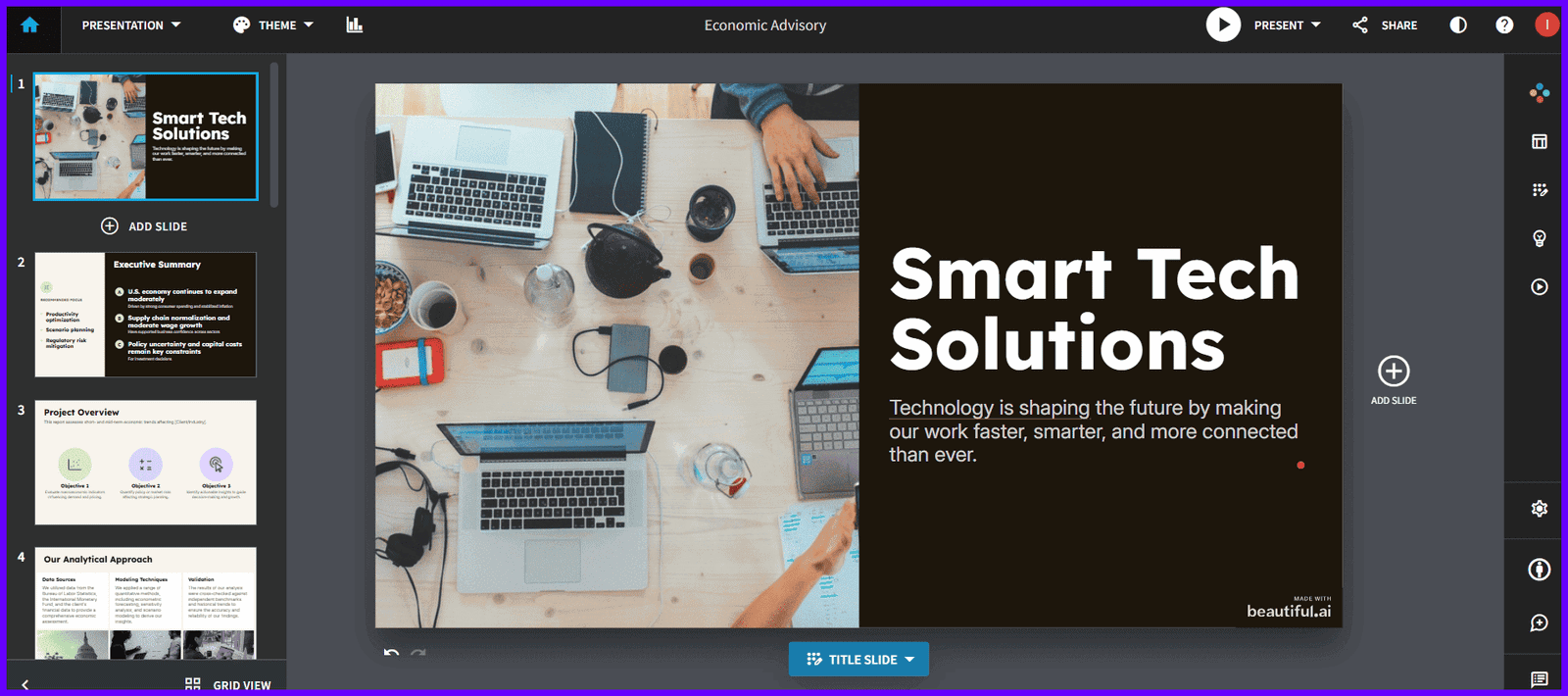
The main thing that Beautiful.ai does is layout. It keeps slides tidy and balanced by using clever rules instead than letting you change anything around.
Pros
Smart layouts
Looks professional
Design that is always the same
Cons
Less flexibility to be innovative
Limited free access
Pricing
Trial period without charge
There are paid plans available
5. StoryD
Best for: People who want presentations that are based on data and include charts and pictures.
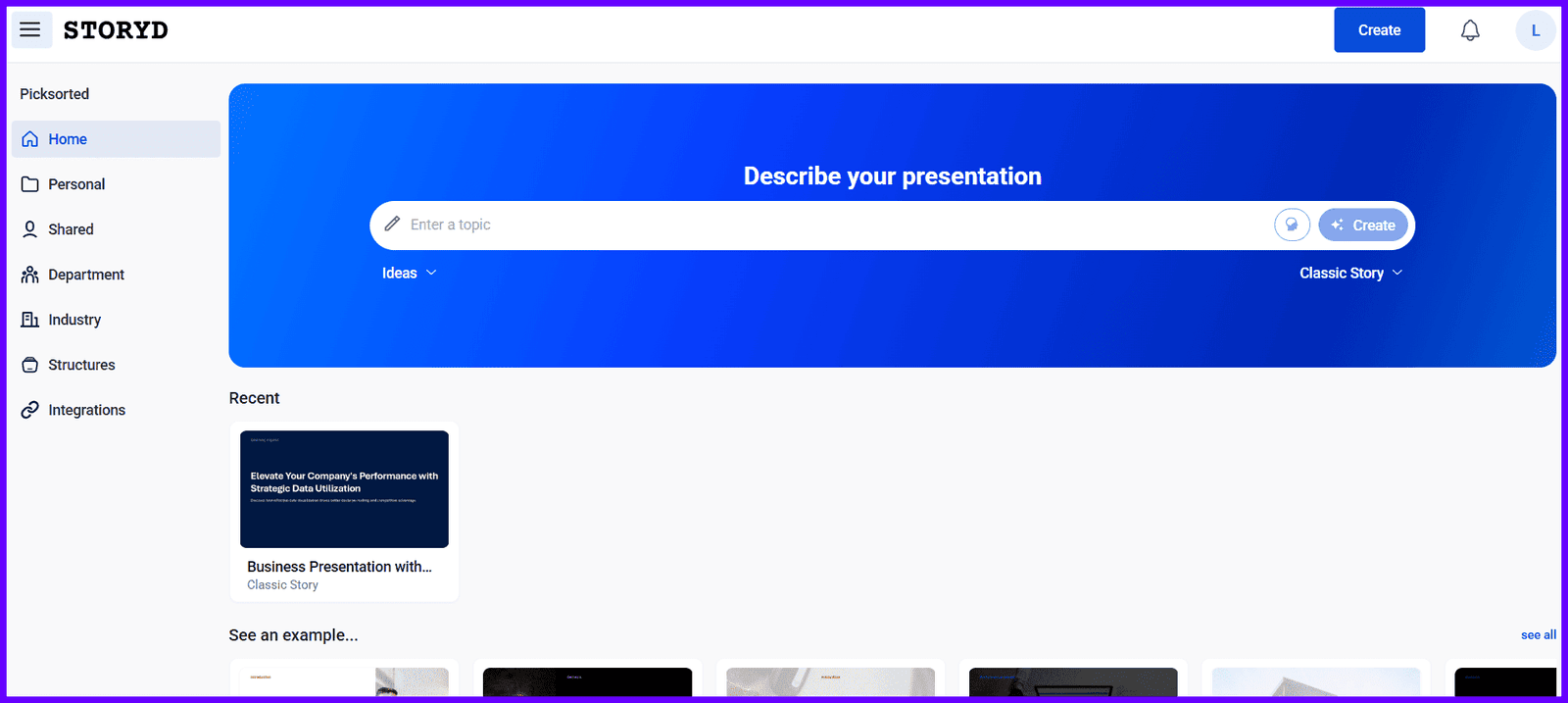
StoryD is not like other simple AI slide programs. You may use it to make clear pictures of data, reports, and thoughts, not just words.
Pros
Good for presentations based on data
Professional and clean visuals
Helps make narrative out of insights
Cons
Less flexibility to be innovative
Not the best choice for informal or student presentations
Prices
Free trial is available
Plans that cost money for frequent usage
6. Pitch
Best for: New businesses and working together as a team.
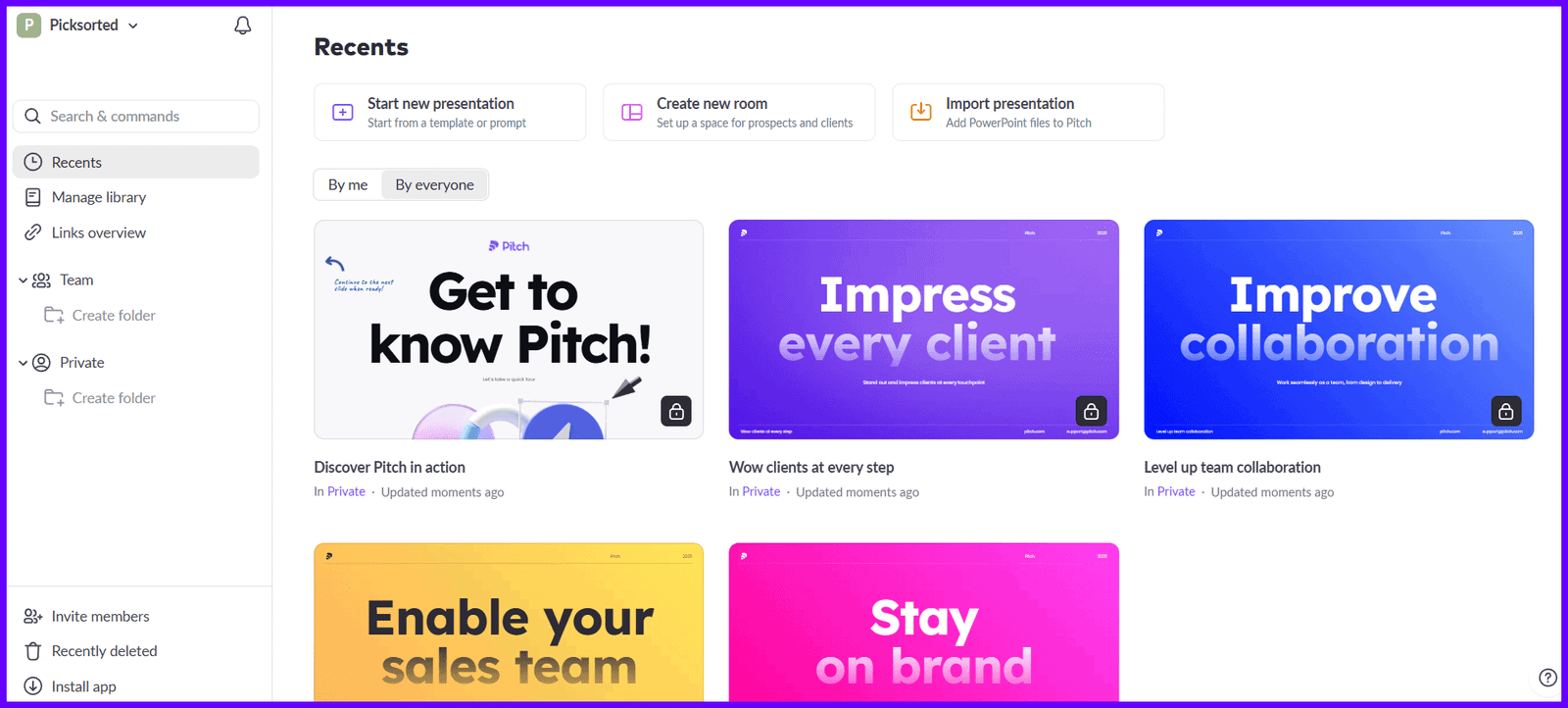
Pitch is a tool for working together. More than one person may work on the same presentation, provide comments, and make changes.
Pros
Good for teams
Simple interface
Free plan offered
Cons
Curve of learning
Writing using AI is easy
Pricing
Plan for free
Plans that cost money for teams
7. Plus AI
Best for: People that use Google Slides.
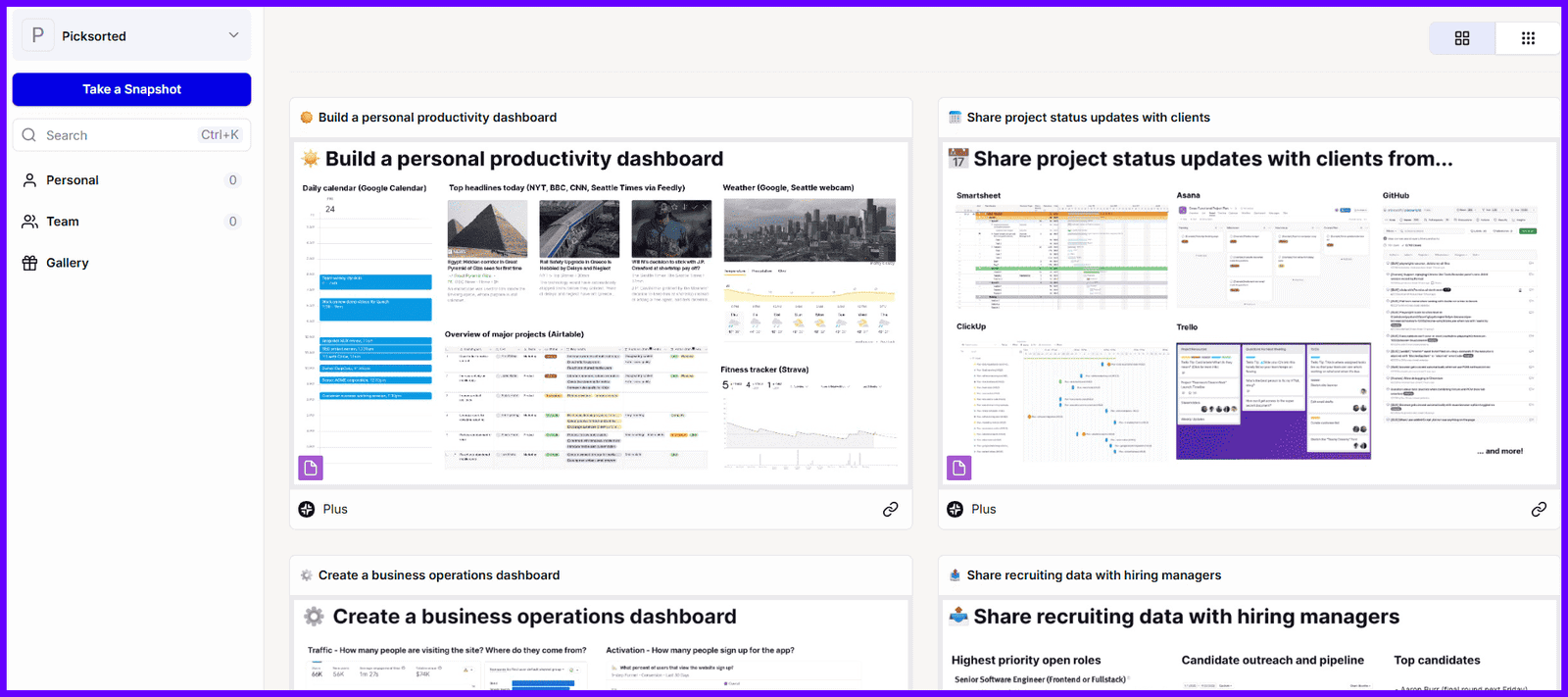
Plus AI works directly in Google Slides, so anybody who uses Google Workspace can use it.
Pros
Works with Google Slides
Great for groups
Clean output
Cons
No plan for free
Requires a Google account
Prices
Only paid once a month
Benefits of Using an AI PPT Maker
People are migrating to AI technologies for these reasons:
Saves a lot of time
You don’t need to know how to design
Gives you ideas when you’re stuck
A good place to start for beginners
Helps you relax before a deadline
Sometimes, all we want is to be less stressed.
Are presentations made by AI really good?
Yes, but…
AI presentations are ideal for:
First drafts
Structure
Balance in sight
But they still need:
Editing by a person
A personal touch
Examples from real life
I normally think of AI slides as preliminary drafts. After that, I add my voice.
That blend is the greatest.
Frequently Asked Questions
Are AI PPT creators free?
Most AI presentation software provide a free version, however it generally has a small number of slides, watermarks, or restricted exports.
What is the best AI PPT maker for students?
Canva, SlidesAI, and Gamma are great tools for students since they are simple to use and don’t need any creative expertise.
Is it possible for AI to take the position of PowerPoint?
AI technologies can’t fully take the role of PowerPoint, but they do make it lot easier to generate presentations.
Are PPTs made by AI safe?
Yes, they are safe, but you should verify and change the material.
What is the finest tool for work in an office?
Plus AI and Beautiful.ai are both good choices for the workplace since they emphasize on clean layouts and working together as a team.
Last Thoughts
One thing is evident after utilizing AI presentation makers: they don’t make you lazy; they make you quicker.
I have employed AI tools when I was fatigued and had a lot of work to do. The AI helped me get started by giving me structure, flow, and ideas instead of just gazing at a blank slide.
Yes, several slides needed to be changed. Some of the language seemed too general. But in the end, the time saved was tremendous.
These tools don’t feel like someone is doing the work for you; they feel like a smart assistant sitting next to you.
If you think of AI-generated presentations as a first draft and then add your own views, examples, and voice, the outcome seems shockingly organic and, to be honest, a lot less stressful.